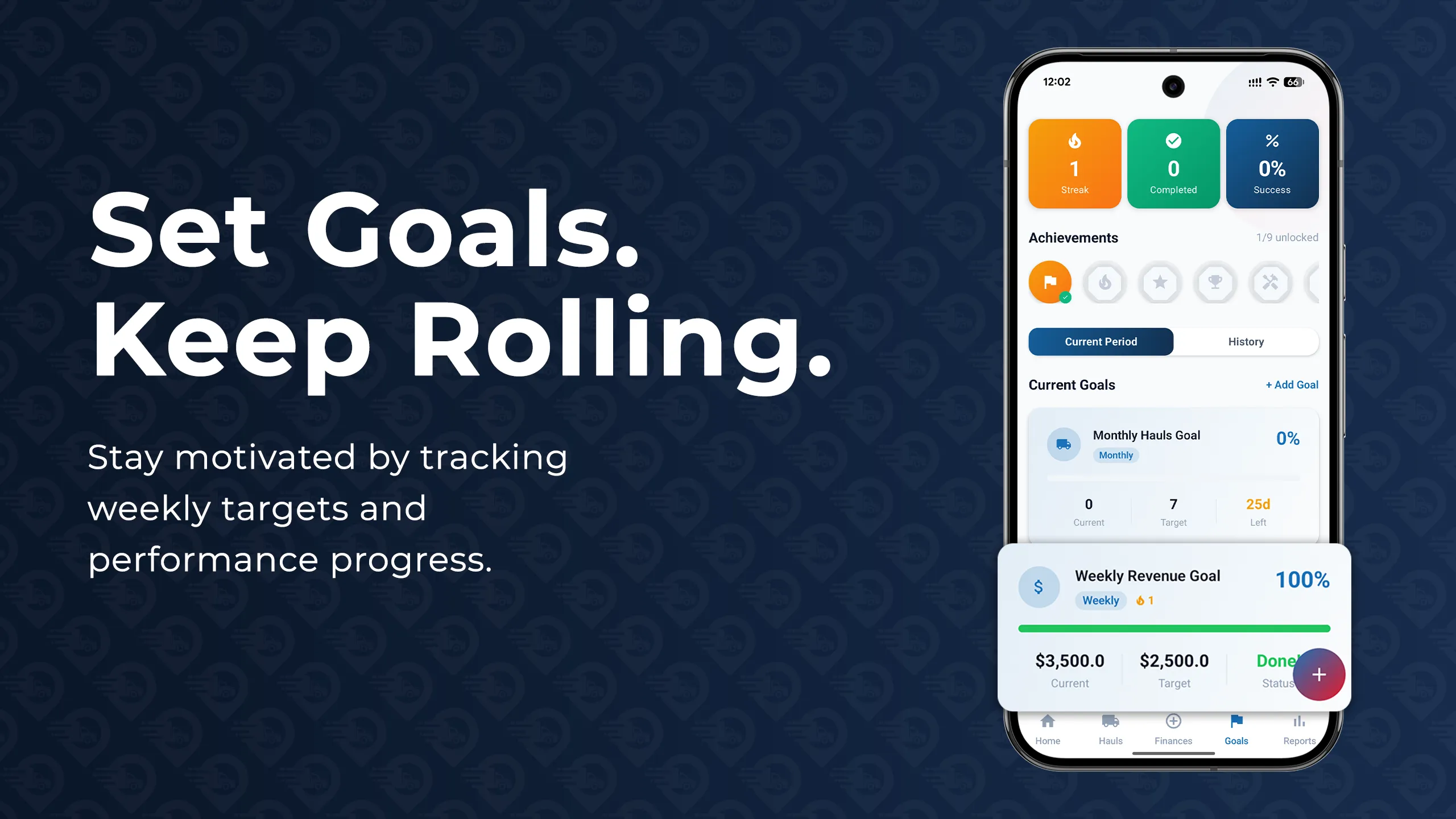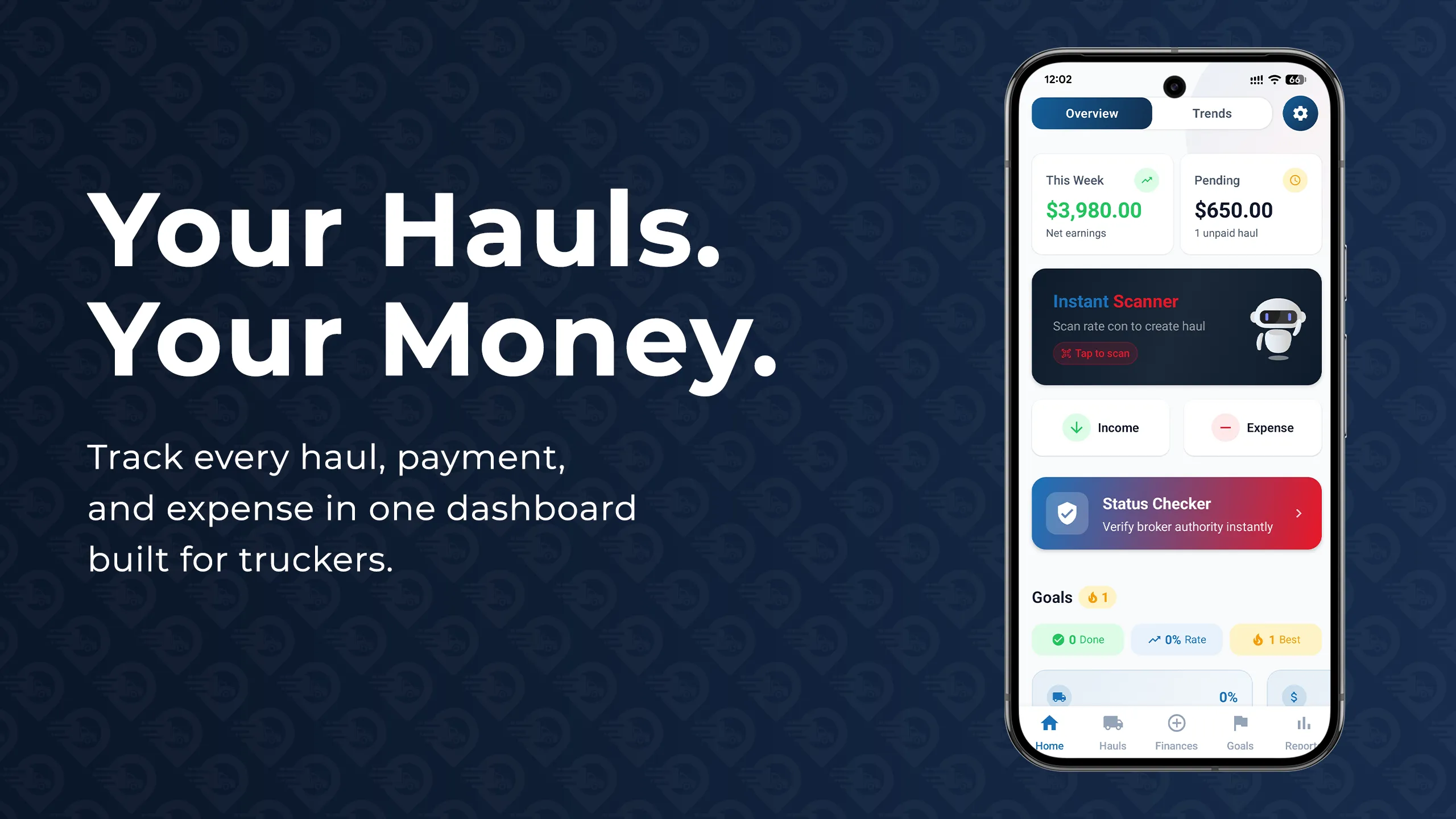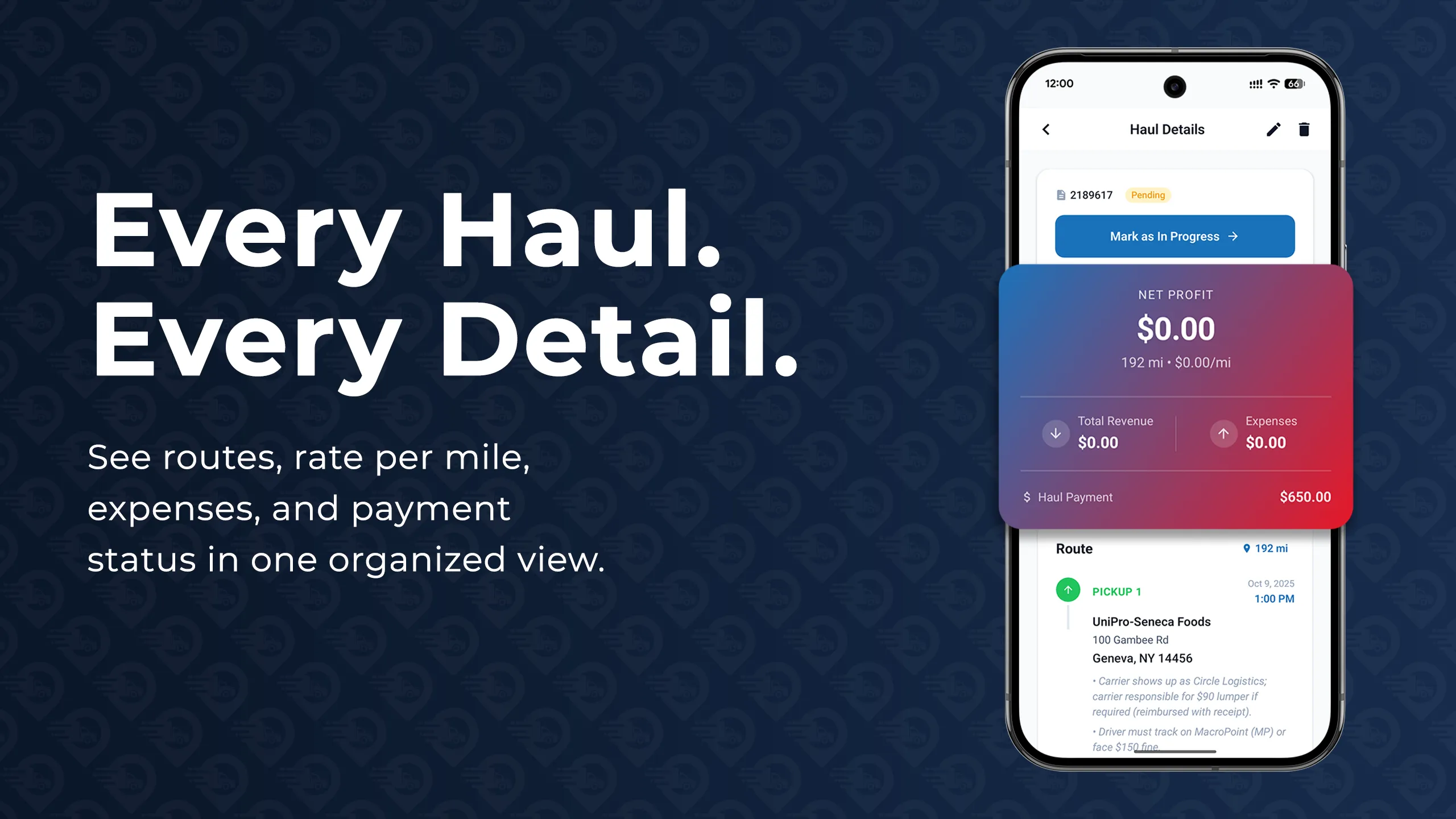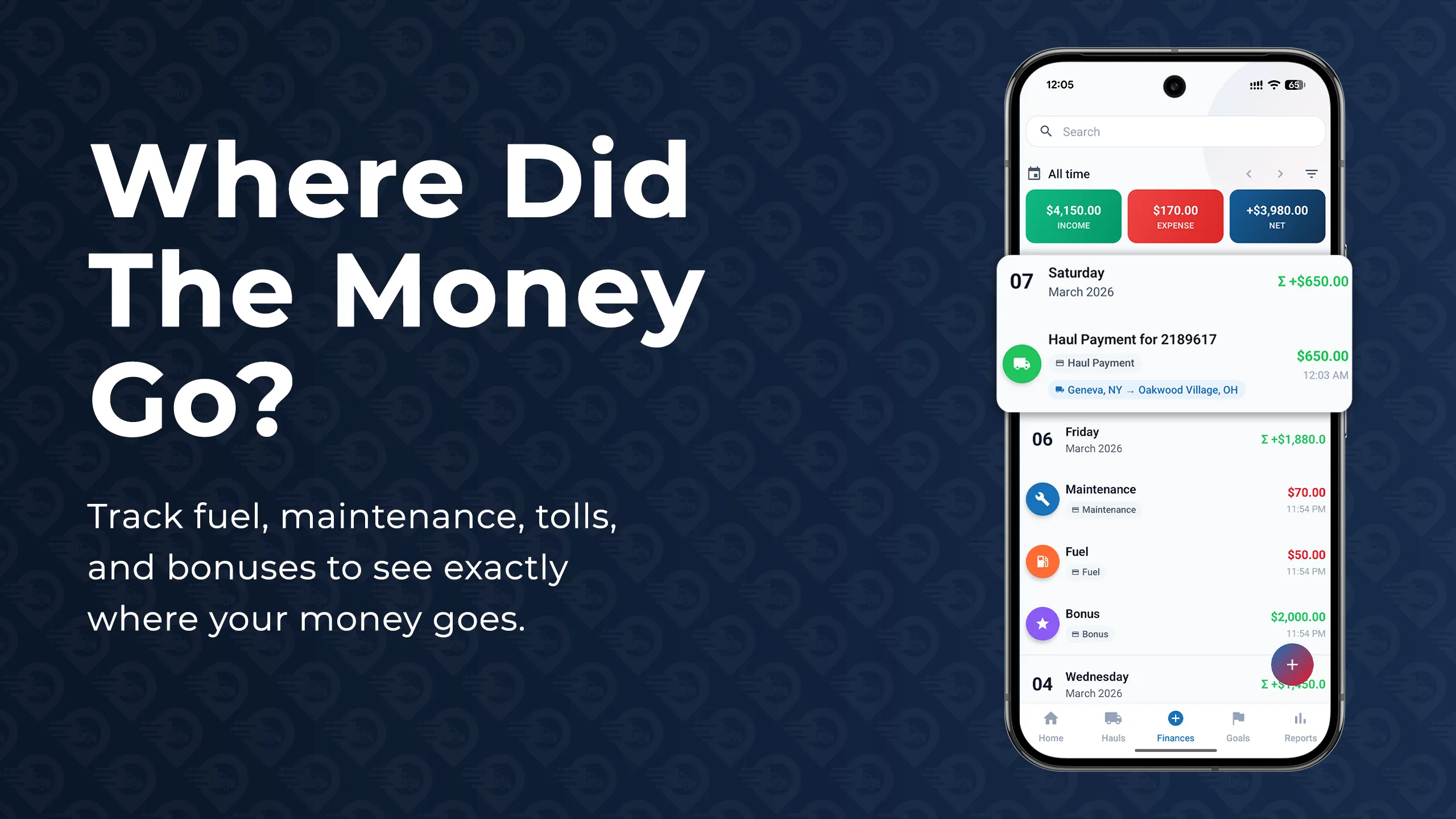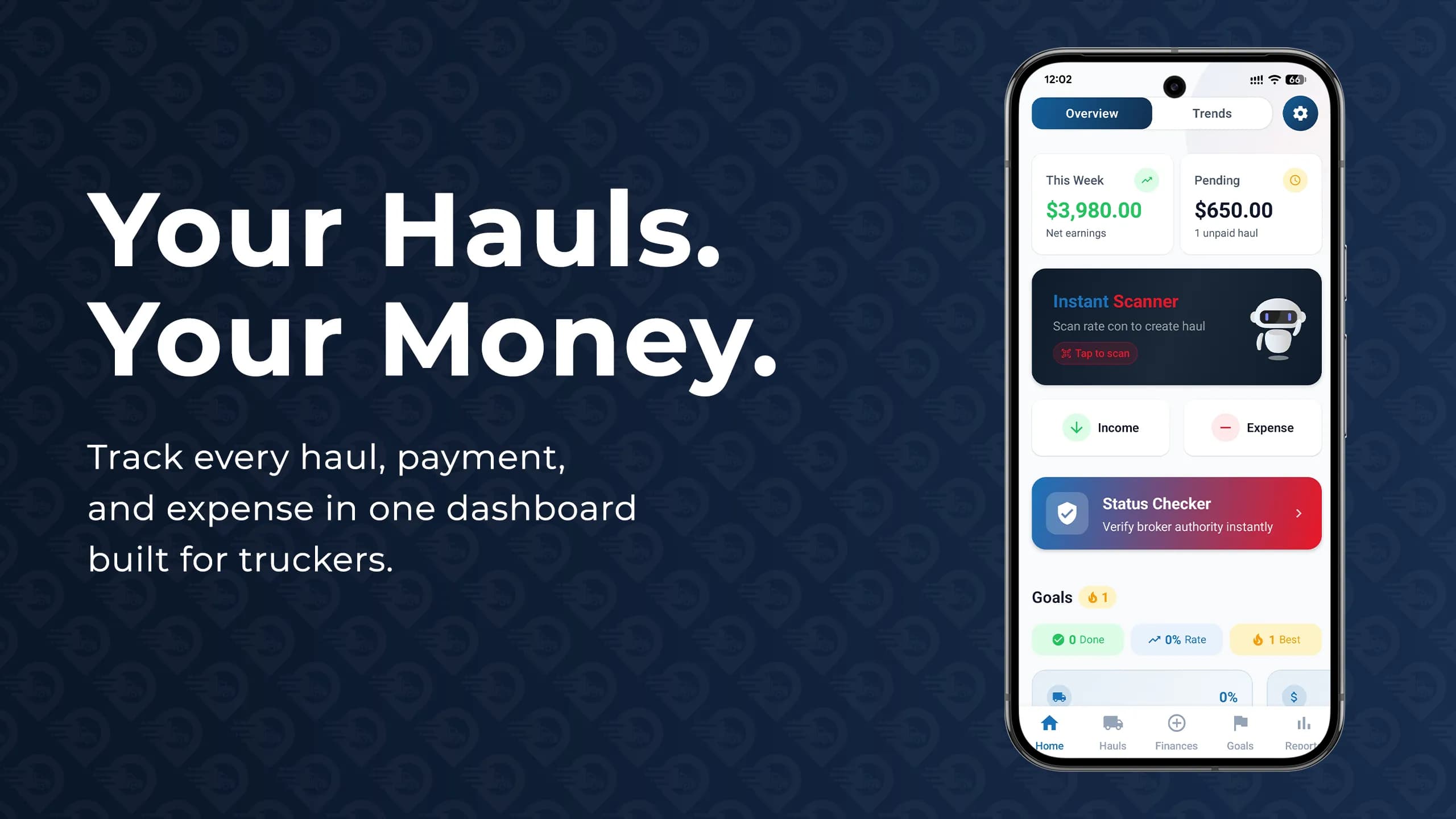
TruckMate is a free business tool from Trucking Help Center for owner-operators and small fleets. It keeps the paperwork side of trucking in one place: checking brokers, scanning rate confirmations and fuel receipts, logging IFTA fuel, storing documents and tracking loads and driver pay. It runs in your phone's web browser, with no app store download and no subscription.
TruckMate was built by Zeshan Danish, founder of Trucking Help Center, for owner-operators who would rather drive than do paperwork.
Why TruckMate Exists
Small carriers juggle a lot outside the cab:
- Checking whether a broker is real before every new load
- Keeping fuel receipts for IFTA
- Tracking what each load really paid
- Remembering when insurance, the CDL, IFTA and the MCS-150 are due
Missing any one of these costs money. TruckMate brings them together so they take minutes instead of hours.
What TruckMate Does
| Feature | What it does |
|---|---|
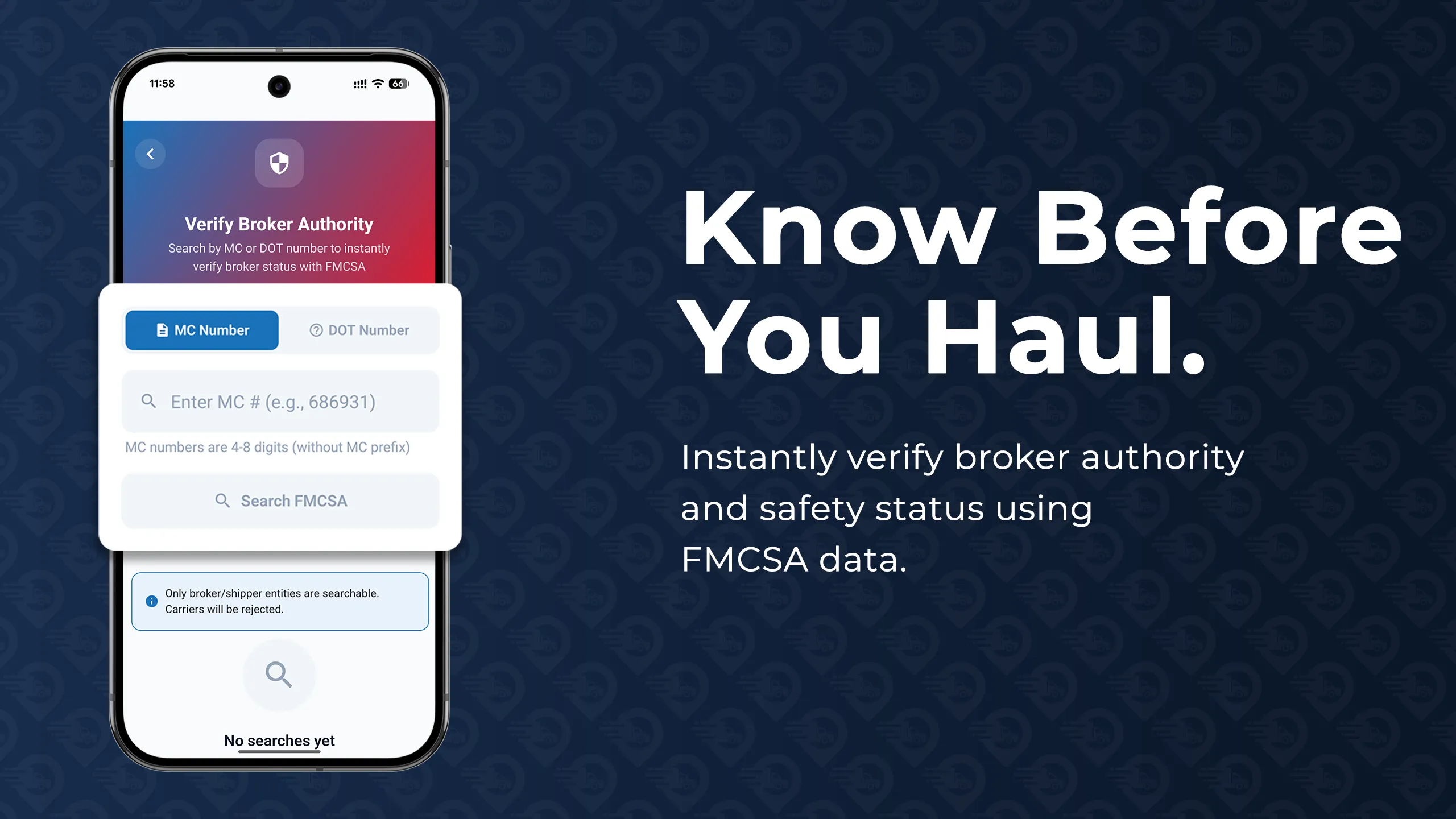
| Broker vetting scanner | Enter an MC or USDOT number to see FMCSA status: allowed to operate, operating authority, liability and cargo insurance on file, safety rating and out-of-service orders, with a plain-English verdict |
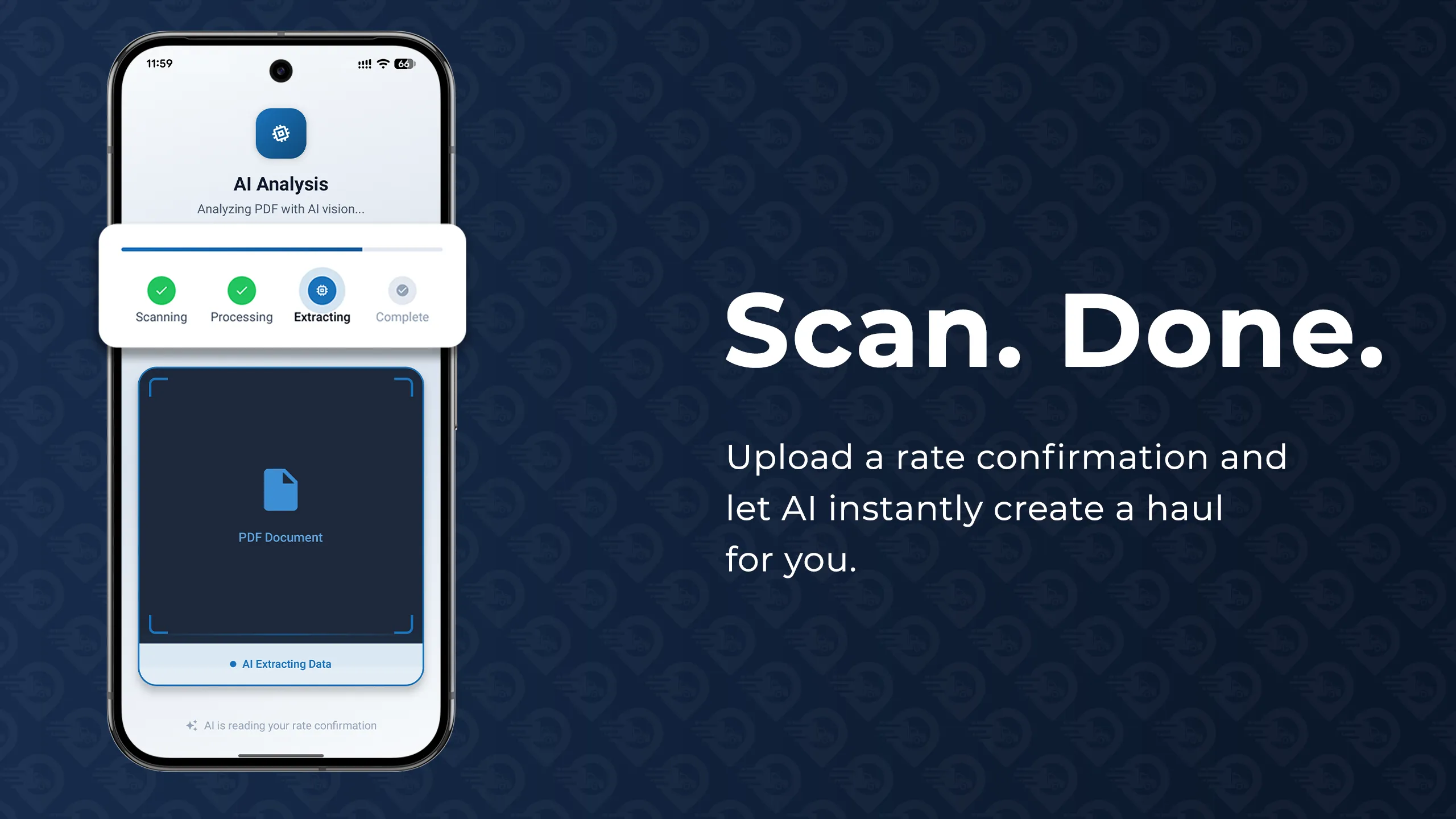
| Rate con and fuel receipt scanner | Take a photo of a rate confirmation or fuel receipt; TruckMate reads the rate, miles or fuel details so you don't type them |
| IFTA fuel log | Each scanned fuel receipt is saved by state for the quarter, so your fuel totals are ready when you file |
| Compliance Vault | Store company and driver documents (CDL, medical card, insurance, authority) encrypted and private, with expiry alerts for CDL, insurance, IFTA and MCS-150 |
| Daily FMCSA monitoring | Get an alert if something changes on your FMCSA record |
| Driver ledgers | Track loads, gross, miles and rate per mile per driver, plus advances, deductions and bonuses for settlements |
| Dispatcher access | Give a dispatcher you choose view-only access to loads |
How to Start Using TruckMate
- Open TruckMate on your phone or computer.
- Add your company name and USDOT number (MC optional).
- Check your first broker, scan a fuel receipt, or upload your insurance certificate.
- On iPhone, tap Share → Add to Home Screen so TruckMate opens like an app and can send push alerts. You'll also get email alerts.
Some data, like the IFTA fuel log, is saved on your device. Add your state miles from your ELD when you file. TruckMate's fuel log is a record-keeping tool, not tax advice.
Who TruckMate Is For
- Owner-operators with their own authority
- Small fleets that need driver ledgers and expiry alerts
- New carriers getting organized before their first new entrant safety audit
How TruckMate Fits With Trucking Help Center
Trucking Help Center is a free support hub for truckers. Alongside TruckMate, you can use free tools like the Cost Per Mile Calculator, IFTA calculator and Broker Health Checker, and find independent professionals in the directory when you need help with filings, insurance or dispatch.
Frequently Asked Questions
Is TruckMate free? Yes.
Do I need to download an app? No. TruckMate runs in your browser. You can add it to your home screen.
Does TruckMate file my IFTA? No. It keeps your fuel receipts organized by state so filing is easier. You or an IFTA filing professional files the return.
Is my data private? Documents in the Compliance Vault are encrypted, and only you, and dispatchers you allow, can open them.
Get Matched With the Right Professional
Trucking Help Center provides no service itself. It connects you with independent professionals and partners listed on Trucking Help Center, such as IFTA filing professionals and accounting and bookkeeping professionals. They do the work and set their own fees. Asking is free.
- Get matched free: tell us what you need, and your request goes to professionals listed for it.
- Browse the directory: compare professionals yourself.
Questions about this guide? Email support@truckinghelpcenter.com.